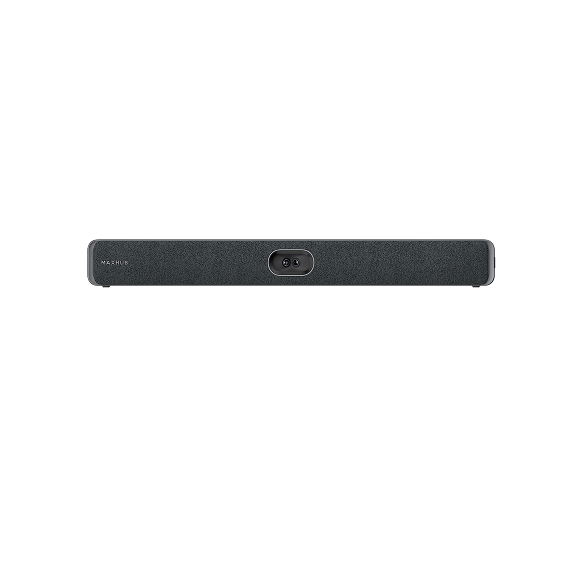
MAXHUB VIDEO CONFERENCING BARS / INDIA
Four bars.
Your way to meet.
Compare MAXHUB XBar U50, V50, V70 and W70. Start with how your team connects, then evaluate room size, camera coverage and IT management.
Help me shortlist a video bar ↗4 products
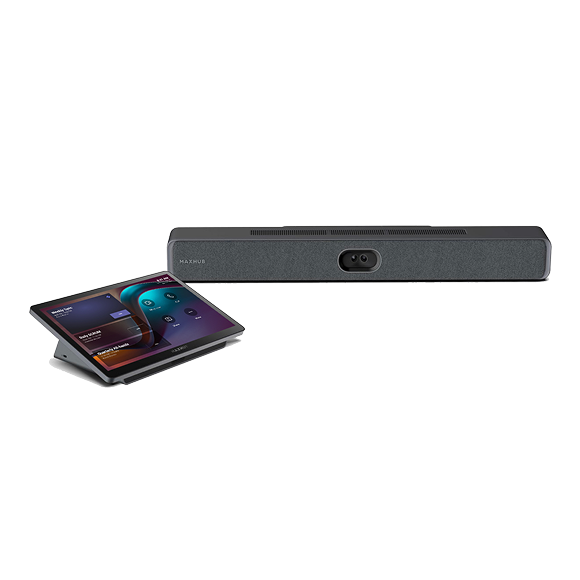
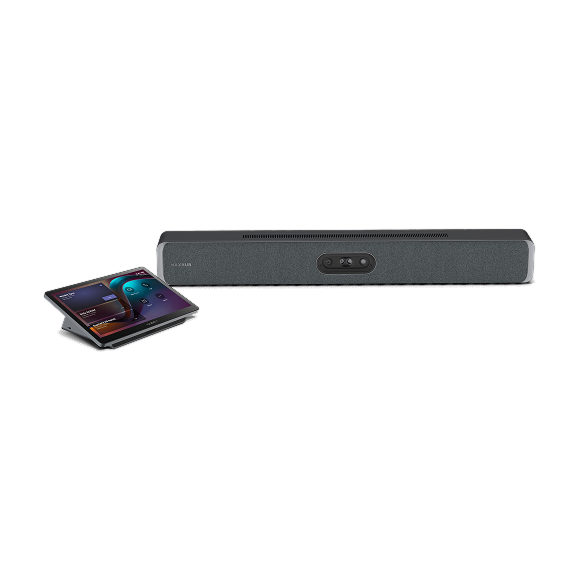
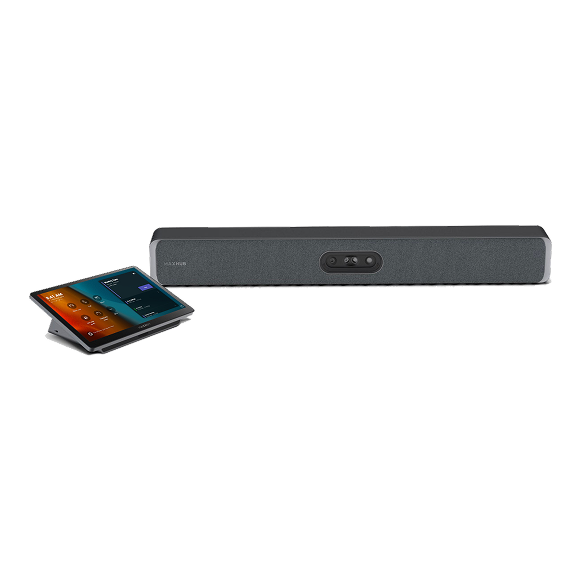
No matching bars. Try a model name or clear the platform filter.
A CLEARER SHORTLIST
Choose the platform.
Then choose the room.
Showing all four bars. Select products above to narrow the table.
| Compare the essentials | XBar U50 | XBar V50 Kit | XBar V70 Kit | XBar W70 Kit |
|---|---|---|---|---|
| Connection / platform | USB / BYOD | MDEP Android | MDEP Android | Windows Teams Rooms |
| Room category | Small–medium | Small–medium | Medium–large | Medium–large |
| Camera system | 100MP dual | 100MP dual-lens | 200MP Quad Sight | 200MP Quad Sight |
| Microphones | 12 | 12 | 16 | 16 |
| Manufacturer reference | Official product ↗ | Official product ↗ | Official product ↗ | Official product ↗ |
Camera-system megapixels describe the manufacturer’s lens/sensor system, not the outgoing meeting-stream resolution. Room categories are broad manufacturer guidance, not a seat-count guarantee.
LOOK BEYOND THE CAMERA
Your shortlist
needs a room.
Measure the furthest seat, note glass and hard surfaces, and decide where people will connect their laptops. Establish who will manage room accounts, updates and support before you compare quotations.
For an interactive display approach, compare XBoard V7 with XBoard V7 MTR.
Read the enterprise room-planning guide ↗