n·namasteMEETINGS

VIDEO CONFERENCING SOLUTIONS IN INDIA

The future of meetings
starts with a
better room today.

A room is more than a screen and a camera. It is where leadership aligns, customers connect and hybrid teams make decisions. Plan the experience, the technology and the ownership together.

Discuss an enterprise project ↗
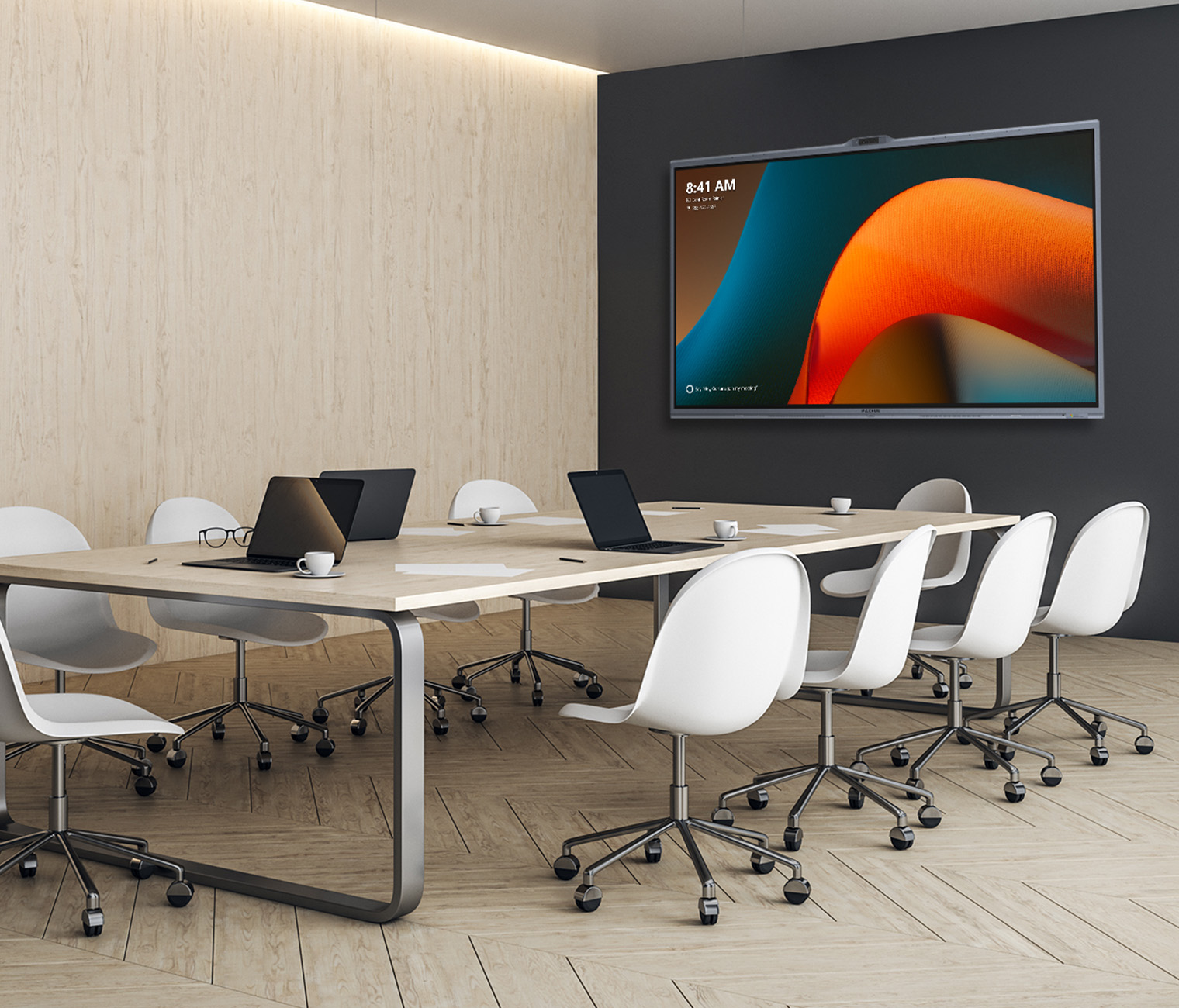
MAXHUB reference meeting room with an interactive display and conference table
MAXHUB reference environment, not a Namaste customer installation.

ONE INVESTMENT. DIFFERENT RESPONSIBILITIES.

Built around the people
who own the decision.

01 / CEOs & business leaders

Make the room work for the business.

Start with the meetings that matter: leadership reviews, customer presentations and distributed team discussions. Define what a successful meeting looks like before selecting hardware.

  • Can participants start a meeting without assistance?
  • Can remote colleagues contribute on equal terms?
  • What will ownership cost beyond the initial purchase?
Plan a leadership room ↗
02 / CTOs, CIOs & IT teams

A room your IT team can own.

Decide between a dedicated Microsoft Teams Rooms system and a laptop-driven BYOD workflow. Review identity, network access, updates, device management and support responsibilities together.

  • Who provisions accounts and licences?
  • How are firmware and device health managed?
  • What must work when a guest joins?
Discuss your IT requirements ↗
03 / Procurement & workplace teams

Compare complete projects.

A quotation should describe the whole room: display, compute, camera, audio, controls, mounting, cabling, installation, licences and handover. Check exclusions before comparing totals.

  • Does the quote identify every product SKU?
  • Who installs, tests and supports each location?
  • What are the agreed acceptance criteria?
Build a clearer project brief ↗

THE ROOM ARCHITECTURE DECISION

Different workflows.
Clear choices.

BYOD meeting rooms

People bring a laptop and use their chosen meeting application. Plan simple connectivity and a guest-friendly connection point. Explore XBar U50.

Microsoft Teams Rooms

A dedicated room system centres the experience around Microsoft Teams. Consider the room account, licensing and device management alongside the hardware. Compare V50, V70, W70 and V7 MTR.

Interactive collaboration rooms

When people need to sketch, present and develop ideas together, consider an interactive display. Understand the standard V7 configuration, including its separately required PC module.

PLAN FOR THE NEXT PHASE

Design for growth.
Specify for reality.

Meeting equity

Test the experience from the remote participant’s perspective. Check voices from the far seats, faces around the table and content legibility.

AI with a purpose

Evaluate framing and tracking in your actual layout. Ask what processing happens on the device, which features require software and how privacy is controlled.

Repeatable standards

Use room categories and a pilot room before a wider rollout. Keep a record of approved equipment, firmware, wiring and acceptance tests.

Lifecycle ownership

Assign responsibility for updates, incidents, warranty coordination and user guidance. Designate a local owner and a clear escalation route.

FROM ONE CITY TO MANY

A national enquiry.
A local execution plan.

Planning rooms across India? Share the cities, locations, room types and rollout phases. Namaste reviews the brief and confirms the available partner route for each requirement.

Local coverage, site visits, installation and timelines are confirmed for each project. Purchases are quoted and billed by authorised partners.

  1. Discover
    Document the existing room and the meetings it needs to support.
  2. Design
    Compare an appropriate room workflow, equipment and layout.
  3. Validate
    Confirm product compatibility, acoustics, connectivity and commercial scope.
  4. Deliver
    Agree installation, testing, handover and support responsibilities with the partner.

MEETING-ROOM PLANNING QUESTIONS

Before you make the decision.

What is the difference between BYOD and a dedicated Teams Room?

In BYOD, a participant’s laptop runs the meeting. In a dedicated Teams Room, the room system runs the Teams meeting experience. The right choice depends on platform policies, guest use, management and the intended workflow.

Can one standard work across multiple offices?

A common workflow can guide a rollout, but equipment should be validated for each room category. Acoustics, table depth, network conditions and local support can differ. Start with a representative pilot and agree acceptance criteria.

Is standard MAXHUB V7 the same as V7 MTR?

No. Standard V7 uses Windows-based MAXHUB OS and needs a separately supplied PC module. V7 MTR is the dedicated Teams Rooms offering. Verify exact SKUs, package contents and certification for the selected size.

Can Namaste coordinate an enquiry for several cities?

Yes. Include your project cities and number of rooms. We will review the requirement and confirm partner availability and the next steps; coverage and delivery commitments are agreed project by project.
A BETTER BRIEF. A BETTER BEGINNING.

Bring us your next
meeting-room challenge.

New office, boardroom upgrade or a multi-city rollout: start with a clear requirement.

Start your project enquiry ↗